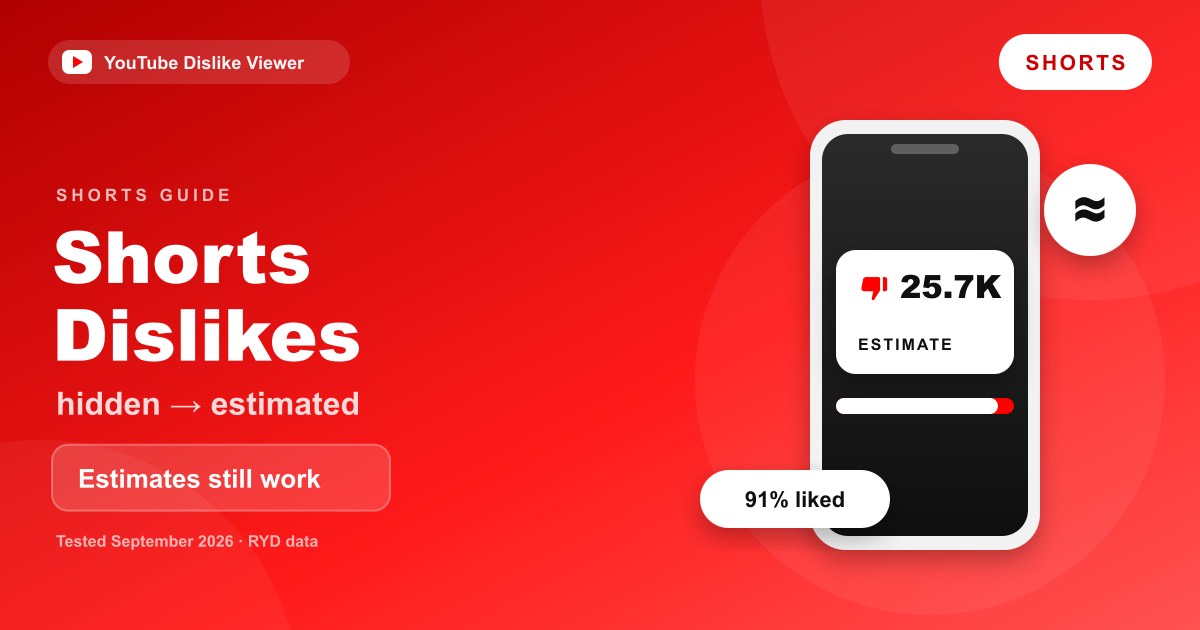
YouTube doesn’t show a dislike count on Shorts, and since late June 2026 Shorts don’t have a dislike button either. What still works is an estimate: paste the full Short link into a dislike viewer that reads the Return YouTube Dislike (RYD) dataset, and you’ll get an estimated dislike count, likes, views and a ratio. In our September 2026 checks, the data behind our YouTube Dislike Viewer had an estimate for every current Short we tried. The number is an estimate, not YouTube’s own figure.
Creators are the one group with an official number, and even that has changed. YouTube says the Shorts dislike count in YouTube Studio stopped updating at the end of June 2026, although creators can still see the historical total. For the story of how the Shorts dislike button disappeared, see YouTube Shorts dislike button removed in 2026. This page sticks to the practical question: can you see a Short’s dislikes, and how?
What you can and can’t see on a Short
The answer depends on who you are and where you look. Here’s the current picture.
| Who and where | What you get | Exact or estimate? |
|---|---|---|
| Any viewer, on YouTube itself | No dislike count, no dislike button on the Shorts player | Nothing to see |
| The creator, in YouTube Studio | Historical Shorts dislikes, frozen since the end of June 2026 | Exact, but no longer updating |
| Desktop browser with the RYD extension | An estimated count on the Short (extension version 4.0.5 or later) | Estimate |
| Any browser, using our web viewer | Estimated dislikes, likes, views and ratio | Estimate |
| Developers using the official YouTube Data API | Dislike count only for the video’s owner | Exact, owner only |
So if you aren’t the creator, a third-party estimate is the only way to get a dislike figure for a Short. That’s been true since YouTube hid public dislike counts in 2021, and the 2026 button removal didn’t change it.
How to check a Short’s estimated dislikes
Our viewer handles Shorts links the same way it handles regular videos. The only thing that matters is pasting the complete link.
On a computer:
- Open the Short on youtube.com.
- Copy the full address from the address bar. It looks like
https://www.youtube.com/shorts/followed by an 11-character ID. - Paste it into the dislike viewer and press Show Dislikes.
- Read the estimated dislikes, likes, views and like-to-dislike ratio.
On a phone (Android or iPhone):
- In the YouTube app, open the Short and tap Share.
- Tap Copy link.
- Open youtubedislikeviewer.com in your phone’s browser.
- Paste the link and tap Show Dislikes.
The link the YouTube app copies usually ends in something like ?si= plus a string of characters. You don’t need to delete that part. In our tests the viewer read the video ID correctly with it attached.
Shorts link formats we tested
We tested the live site on September 11, 2026, on a desktop browser and in a 390-pixel-wide mobile viewport. Here’s how each link format behaved.
| Link format | Example shape | Result |
|---|---|---|
| Standard Shorts URL | https://www.youtube.com/shorts/VIDEO_ID | Worked |
| App share link | https://youtube.com/shorts/VIDEO_ID?si=... | Worked |
| Mobile web Shorts URL | https://m.youtube.com/shorts/VIDEO_ID | Worked |
| Short opened as a watch page | https://www.youtube.com/watch?v=VIDEO_ID | Worked, same result as the Shorts URL |
Link without https:// | youtube.com/shorts/VIDEO_ID | Rejected by the browser’s URL check |
| Bare 11-character ID | VIDEO_ID | Rejected by the browser’s URL check |
The last two rows are worth knowing about. The input box expects a full web address, so the browser asks you to “enter a URL” if the https:// part is missing. Copying the link from the address bar or the Share menu avoids this, because both give you the complete address.
What our September 2026 tests showed
We checked seven current Shorts from two different channels, most of them uploaded in the days before our test, against the same data source the viewer queries. All seven returned an estimate. We then ran the full viewer with several link formats for one of those Shorts, on desktop and in the mobile viewport. The results matched across formats and devices, and the mobile page fit the screen with no sideways scrolling.
The estimates varied with the size of the audience, which is what you’d expect. A widely watched Short with tens of millions of views came back with an estimate in the hundreds of thousands of dislikes. A small Short with around a thousand views came back with an estimate of one.
We also checked what happens with a link to a video that doesn’t exist. The viewer didn’t show an error. It showed zero dislikes, zero likes and zero views, with the ratio marked “N/A.” So if you ever see all zeros, check the link before assuming the Short has no dislikes.
Messages you might see, and what they mean
A few different messages can appear when a lookup doesn’t go as planned. Here’s what each one means and what to do.
| What you see | What it means | What to do |
|---|---|---|
| Your browser says “Please enter a URL” | The link is missing https://, or you pasted only the video ID | Copy the full link from the Share menu or address bar |
| ”That does not look like a valid YouTube link” | The address isn’t a video link, for example a channel or playlist page | Open the Short itself and copy its link |
| ”We could not fetch data for that video” | The dataset didn’t answer, or the video is private or removed | Check the link, then try again in a few minutes |
| ”This video appears to be deleted” | The dataset has marked the video as deleted | Nothing to fix; the Short is gone |
| All zeros and a ratio of “N/A” | No data for that ID, often a new, private or mistyped Short | Confirm the link opens a public Short on YouTube |
Saving or sharing a Short’s result
Once a result loads, the Copy report button copies a short text summary with the video ID, likes, dislikes, views and ratio, which is handy for notes or a chat message. Check another video clears the box for the next lookup.
You can also link straight to a lookup. Adding ?v= and the Short’s 11-character ID to the viewer’s address, as in https://youtubedislikeviewer.com/?v=VIDEO_ID, opens the viewer and runs the lookup automatically. We tested this with a current Short, and the result appeared without pressing anything. The estimate someone sees from that link is whatever the dataset holds when they open it, so it may differ slightly from the number you saw.
What the estimate for a Short actually means
This is the part most “see Shorts dislikes” guides skip, and it matters more in 2026 than it used to.
The dislike figure comes from the Return YouTube Dislike project. For videos published after YouTube hid dislike counts in late 2021, RYD estimates dislikes from the votes of people who use its extension, scaled against the public like count YouTube still shows. The full method, and why it’s more reliable on popular videos than obscure ones, is explained in how accurate Return YouTube Dislike is.
On Shorts, two things are different now. First, the public “like” count on a Short is now a heart count, since the heart replaced the thumbs-up. Second, there’s no longer an official Shorts dislike total that keeps growing. YouTube’s own count stopped updating for creators at the end of June 2026.
That means a Short’s estimate isn’t an approximation of a live YouTube number anymore. It’s RYD’s own crowd-sourced measure of how its users react to that Short. It can still tell you whether a Short is broadly well received or widely disliked. It can’t match a creator’s Studio figure for a Short published after June, because Studio isn’t adding new Shorts dislikes at all.
Why Shorts estimates can shift
If you check the same Short twice and see different numbers, that’s normal. Several things move the estimate.
A small sample. A brand-new or niche Short may have very few RYD users voting on it, so each new vote swings the estimate.
Caching. RYD’s own FAQ says counts are cached and can take “anywhere between a few hours and a few days to update,” depending on how popular a video is. A fresh Short can lag behind.
Where the votes come from. Between YouTube’s late-June change and early September 2026, the Shorts player had no dislike button for the extension to attach to. The RYD extension’s version 4.0.5, released on September 6, 2026, added its own dislike button and count to Shorts on desktop. Votes cast through that button feed RYD’s data, not YouTube’s.
The like count moves too. Because the estimate scales against the public heart count, a Short that keeps gaining hearts will see its estimate rise even if the ratio of RYD votes stays the same.
Extension or web viewer for Shorts?
Both read the same dataset, so the choice is about where you watch.
On a desktop computer, the RYD extension shows the estimate right on the Short as you scroll, once you’re on version 4.0.5 or later. When that version was released, the project said the Firefox version was still waiting for Mozilla’s review and that it needs Firefox 140 or newer. The Chrome Web Store version covers Chrome and other Chromium browsers.
On a phone, extensions don’t run in the YouTube app, and most mobile browsers don’t support them. A web viewer is the practical option there. The details for each browser are in Return YouTube Dislike on Firefox, Edge, Safari, and mobile, and the broader trade-offs are in extension vs web tool.
For a quick check on one Short, the web viewer is usually faster than installing anything.
Limits worth knowing
A few situations won’t give you a useful number, whatever tool you use.
- Private Shorts. They aren’t public, so no public dataset has data for them.
- Unlisted Shorts. Few RYD users ever see them, so expect a thin estimate or none at all.
- Deleted Shorts. RYD may flag them as deleted, and the viewer will say the video appears to be deleted.
- Very new Shorts. The estimate may be missing, zero or unstable for the first days.
- The exact YouTube figure. No public tool, including ours, can retrieve YouTube’s private dislike count. The official YouTube Data API only returns it to the video’s owner.
If you’re a creator and want the official numbers for your own Shorts, including the historical dislike total, YouTube Studio’s likes vs dislikes report explains where to find them.
How to read a Short’s numbers sensibly
The ratio is more useful than the raw count. A Short with 25,000 estimated dislikes sounds bad until you see it also has 260,000 hearts, which works out to roughly a 91% positive ratio. A Short with a few hundred estimated dislikes and a similar number of hearts tells a very different story.
Compare Shorts with other Shorts, not with long-form videos. Viewers react to short, swipeable clips differently, and the like count that the estimate scales from is a heart count on Shorts. Treat big swings on small Shorts with suspicion, since a handful of votes can move them.
Frequently asked questions
Is there a dislike count on YouTube Shorts?
Not a public one. YouTube hides dislike counts on all videos and, since June 2026, has no dislike button on Shorts at all. Third-party tools can show an estimated count based on the Return YouTube Dislike dataset.
Can creators see dislikes on their Shorts?
Creators can see historical Shorts dislikes in YouTube Studio, but YouTube says that count stopped updating at the end of June 2026. Dislikes on long-form videos and live streams still update as usual.
Does Return YouTube Dislike work on Shorts?
On desktop, yes. Version 4.0.5 of the extension, released on September 6, 2026, adds an extension-owned dislike button and estimated count to Shorts. On phones the extension generally can’t run, so use a web viewer instead.
Why does the viewer show 0 dislikes for a Short?
Usually because the Short is very new or obscure and has too little data for an estimate yet. A link to a private, removed or mistyped video can also come back as all zeros, so double-check the link.
Can I see who disliked a Short?
No. Neither YouTube nor any dislike viewer shows who disliked a video. For what creators can and can’t see about individual viewers, read can YouTubers see who disliked their video.
Tested on YouTubeDislikeViewer.com with current Shorts on September 11, 2026, and checked against YouTube Help and the Return YouTube Dislike release notes on the same date. Estimates are not official YouTube data.