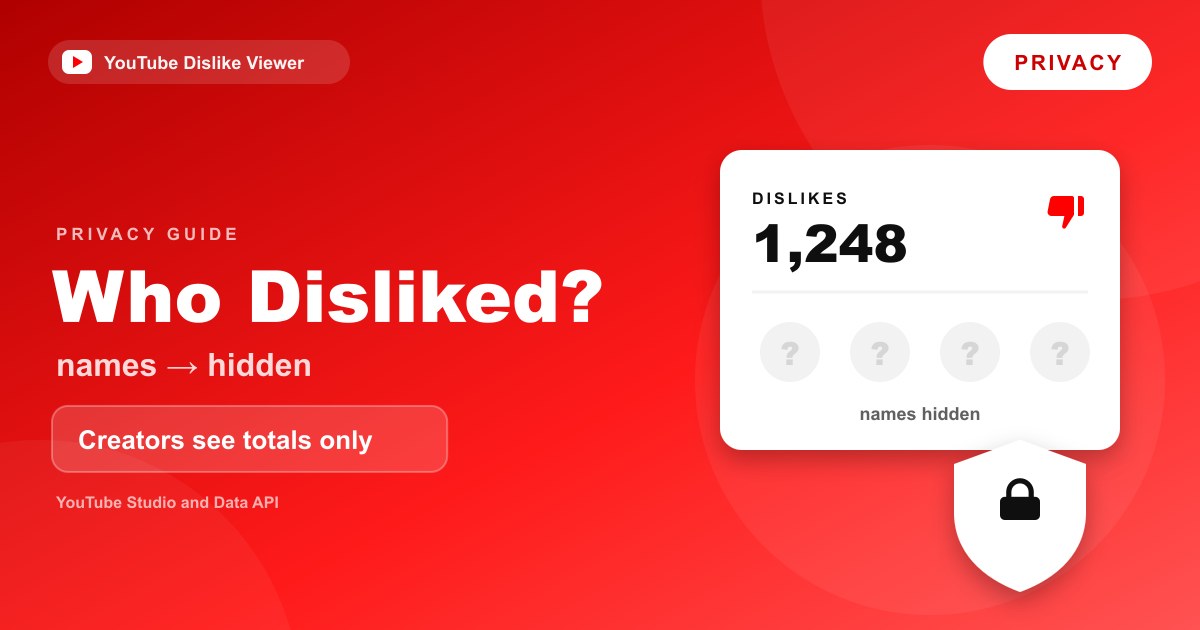
No, YouTubers can’t see who disliked their video. YouTube Studio gives creators a total number of dislikes, not a list of the accounts behind them, and YouTube doesn’t send creators a notification when someone dislikes. When YouTube hid public dislike counts in 2021, it described the dislike button as a way for viewers to “privately share feedback with creators,” and that’s still how it works.
The one thing that isn’t anonymous is your own account’s relationship with YouTube. YouTube knows which videos you disliked, because it uses that to shape your recommendations. The privacy protection is between you and other people, including the creator. The rest of this guide explains exactly what creators can see, what they can’t, and the few places where your identity really is visible.
What creators can and can’t see
Here’s a quick breakdown of the information a creator has about viewers’ reactions, based on YouTube’s Help Center and API documentation.
| Information | Can the creator see it? | Where |
|---|---|---|
| Total dislikes on a long-form video or live stream | Yes | YouTube Studio, Engagement reports |
| Total dislikes on a Short | Historical total only, frozen since the end of June 2026 | YouTube Studio |
| Which accounts disliked a video | No | Not shown anywhere |
| A notification for each dislike | No | Not a YouTube notification type |
| Total likes | Yes, and the like count is public | Studio and the watch page |
| Which accounts liked a video | No list of names | Not shown |
| Who commented | Yes | Comments are public |
| Who subscribed | Only subscribers whose subscriptions are public | Subscribers list in Studio |
The pattern is simple. Reactions like likes and dislikes are counted, not attributed. Actions that are public by nature, like comments, show your name because the action itself is public.
Are YouTube dislikes anonymous?
To other people, yes. Nobody browsing YouTube can see that you disliked a video, and the creator can’t either. The public dislike count itself has been hidden since November 2021, so viewers don’t even see the total anymore.
To YouTube, no. A dislike is tied to your signed-in Google account, which is why you can’t dislike a video while signed out. If you press the thumbs-down without an account, YouTube shows a prompt that reads “Don’t like this video? Sign in to make your opinion count.” YouTube’s explanation of how recommendations work says its system “uses videos you dislike to inform what to avoid recommending in the future,” which only works because the dislike is linked to you.
So think of a dislike as private feedback. It goes into YouTube’s systems and into the creator’s total, and it stops there.
Does YouTube notify creators when you dislike a video?
No. YouTube doesn’t send creators a notification for individual dislikes, and there’s no setting that turns one on. The creator only learns about dislikes by opening their reports and seeing the total change.
The comparison with comments is useful here. YouTube’s Help Center says that when someone likes a comment, the commenter “may get a notification that says, ‘Someone liked your comment,’” and that “Viewers don’t get a notification when you dislike their comment.” Even the like notification doesn’t name the person. Comment reactions work differently from video reactions in other ways too, which is covered in YouTube comment dislikes explained.
Can someone see if I disliked their video?
No one can look up whether you, specifically, disliked a video. There’s no public list of the videos an account has disliked, and YouTube’s Help Center doesn’t describe any feature that shows one to other people.
Your likes are private too. YouTube’s Like or dislike a video page says that when you’re signed in, likes are added to your private “Liked videos” playlist. That playlist is for you, not for the creator or anyone else.
The only realistic way a creator could “know” is by guessing. If a video has three views and one dislike, and the creator knows who the three viewers were, they might draw a conclusion. YouTube isn’t confirming anything in that case. The creator is just doing arithmetic on a very small audience.
What YouTube Studio actually shows creators
Creators find reaction data in YouTube Studio’s Analytics. YouTube’s engagement Help page describes the Likes (vs. dislikes) report as a summary of “how many viewers liked and disliked your videos.” It’s a count and a percentage, at the video level or across the channel. There’s no drill-down that lists viewers.
YouTube’s 2021 announcement put it plainly: creators “will still be able to find their exact dislike counts in YouTube Studio.” The key word is counts. For a walkthrough of where the report lives in 2026 and how to read it, see YouTube Studio likes vs dislikes.
Shorts are now a special case. YouTube retired the dislike button on Shorts in June 2026, and the Shorts dislike count in Studio stopped updating at the end of that month. Creators can still see the historical total for their Shorts, but new Shorts dislikes aren’t being added because viewers can’t cast them anymore.
Studio is built on totals, not people
Dislikes aren’t unusual in this respect. Almost everything in YouTube Analytics is reported as a group figure: views, watch time, traffic sources, geography, age and gender. A creator can learn that a video was popular with viewers in a certain country or age range, but not which viewers those were.
YouTube even holds some of those group figures back. Its Analytics basics page notes that “some data, such as geography, traffic sources, or gender, may be limited.” Listing the named accounts behind a dislike would run against that approach, and nothing in YouTube’s documentation suggests Studio does it.
So if you’re a creator trying to understand a wave of dislikes, the useful sources are the comments, which people post publicly, and your retention and traffic reports, which show where viewers came from and where they left.
Signed in, signed out and private browsing
A few practical points follow from dislikes being tied to your account.
You must be signed in to dislike. Signed out, the thumbs-down only shows a sign-in prompt, so there’s no such thing as an anonymous, account-free dislike on YouTube itself.
Private or incognito windows don’t change this. If you sign into YouTube inside a private window, your dislike is still recorded against that account. The private window only affects what your browser keeps on your device.
Brand Accounts count as their own account. If you switch to a Brand Account and dislike a video, the dislike belongs to that account. It still isn’t shown to the creator by name.
Removing a dislike is private too. Taking back a dislike doesn’t notify anyone. The creator’s total just changes.
The API draws the same line
YouTube’s developer documentation is a good independent check, because it spells out exactly what data exists and who can get it.
- The dislike total is owner-only. The YouTube Data API’s
dislikeCountfield has been private since December 13, 2021. According to the videos resource documentation, it’s included in a response “only if the API request was authenticated by the video owner.” Even then, it’s a single number. - Your own rating is only visible to you. The
videos.getRatingmethod returns the rating that the signed-in user gave a video. It can’t be used to look up anyone else’s rating. - Comment ratings hide dislikes. On comments, the API’s
viewerRatingfield “doesn’t identify dislike ratings,” returningnoneeven if the viewer disliked the comment. - No endpoint lists raters. YouTube’s documented APIs offer totals and each user’s own rating. None of them offers a list of the accounts that disliked a video.
If you want the full developer picture, including what third-party tools can and can’t get, read YouTube Data API dislikeCount.
Where your identity is visible on YouTube
Dislikes are private, but plenty of other YouTube activity isn’t. It helps to know the difference so you’re not surprised.
Comments. YouTube’s Help Center says “all comments on public videos on YouTube are public,” along with the name of the channel that posted them.
Public subscriptions. Subscriptions are private by default. YouTube’s subscription privacy page says that when they’re private, your account “does not show in a channel’s Subscribers List, even if you’re subscribed.” If you’ve made them public, your account can appear in that list.
Subscriber-only comments and chat. The same page notes that if you comment where comments are limited to subscribers, or join a subscriber-only live chat, other viewers “will publicly see you’re subscribed to the channel.”
Live chat, Super Chat and memberships. Messages and paid highlights in live chat show your channel name, because they’re public messages.
Public playlists. Any playlist you set to public is visible on your channel.
None of these reveal your dislikes, but they’re the places where your name does travel with your activity.
What about third-party dislike tools?
Tools that show dislike counts, including our YouTube Dislike Viewer, work with totals too. They show an estimated number of dislikes for a public video. They have no access to YouTube’s list of who disliked anything, because YouTube doesn’t expose one.
The Return YouTube Dislike project, whose data powers most of these tools, also keeps its own voting anonymous. Its security documentation says votes cast through the extension are tied to a randomly generated ID rather than to your Google account. There’s more on what the extension does and doesn’t collect in Is the Return YouTube Dislike extension safe?
Be wary of any site or app that claims it can reveal who disliked a video. Nothing in YouTube’s documentation supports that, and a tool asking you to sign in with your Google account to “reveal” that information is a warning sign.
Common privacy misconceptions
“If a video only has one dislike, the creator knows it was me.” YouTube doesn’t tell them. They can only guess from context, and on most videos that guess would be meaningless.
“Disliking a video I’m subscribed to shows up on my subscription.” Subscribing and disliking are separate actions. Nothing in YouTube’s documentation links a dislike to your subscriber status in a way the creator can see.
“Creators can block people who disliked their videos.” Creators have moderation tools for comments and live chat, such as hiding a user from their channel. Those tools act on what people post, not on dislikes, because creators never see who disliked.
“Likes are public but dislikes are private.” Both are private at the individual level. What’s public is the total like count shown under a video. The dislike total is private and visible only to the creator.
“Liking a comment is anonymous, so liking a video must notify the creator.” Neither video likes nor video dislikes trigger a named notification. The “Someone liked your comment” alert is specific to comments, and even that doesn’t say who.
Frequently asked questions
Does YouTube tell creators who disliked their video?
No. Creators see the total number of dislikes in YouTube Studio, not the accounts behind them. YouTube’s documentation describes only aggregate counts, and there’s no report or API method that lists who disliked a video.
Are video dislikes anonymous?
They’re anonymous to other people, including the creator. They’re linked to your account inside YouTube, which uses them to avoid recommending similar videos to you. You have to be signed in to dislike a video.
Does someone get notified if I dislike their video?
No. YouTube doesn’t notify creators about individual dislikes. The only change they’ll see is their dislike total going up in their analytics.
Can creators see dislikes in YouTube Studio?
Yes, as a total. The Likes (vs. dislikes) report in YouTube Studio shows how many viewers liked and disliked a video. For Shorts, only the historical total is shown, since YouTube stopped updating Shorts dislikes at the end of June 2026.
Can creators see who liked their video?
No. Creators see the total number of likes, which is also public under the video, but YouTube doesn’t give them a list of who liked it. Liked videos go into your own private Liked videos playlist.
Checked against YouTube Help, the YouTube Blog and the YouTube Data API documentation on September 11, 2026.