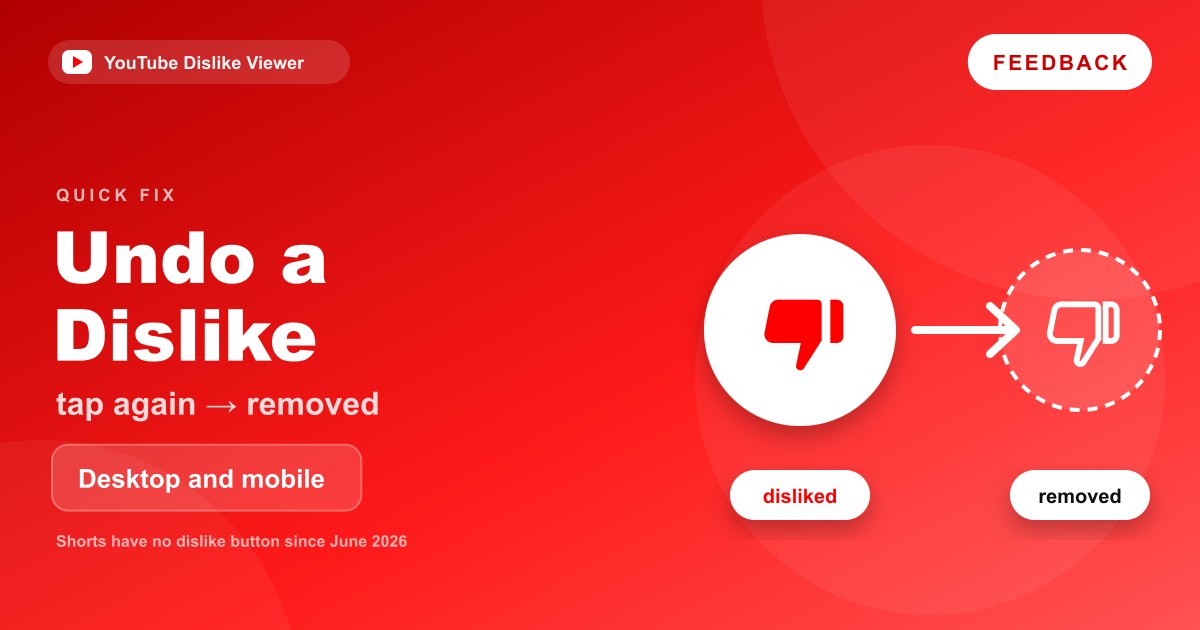
To undo a dislike on YouTube, open the video again and select the thumbs-down a second time. The icon goes back to its outline and your dislike is removed. YouTube’s Help Center puts it simply: “To undo your choice, simply select the icon again.” To change a dislike into a like, select the thumbs-up instead, and the dislike is replaced.
That works the same on a computer, an Android phone and an iPhone or iPad, as long as you’re signed into the account that left the dislike. Shorts are the exception in 2026, because YouTube retired the Shorts dislike button in June. The steps for every case are below.
The quickest way to remove a dislike
- Open the video you disliked, signed into the same account.
- Find the thumbs-down under the video. It will be filled in or highlighted if your dislike is active.
- Select it once. It returns to an empty outline.
That’s it. There’s no confirmation screen and nothing to save. If the thumbs-down wasn’t highlighted to begin with, you either didn’t dislike that video on this account or you’re signed into a different one.
On a computer
- Go to youtube.com and make sure you’re signed in (your profile picture shows in the top right).
- Open the video.
- Below the player, find the like and dislike buttons. They sit together in one pill-shaped control, with the like count on the left.
- Click the thumbs-down to remove your dislike.
If you’d rather like the video, click the thumbs-up instead. YouTube only keeps one rating per video from your account, so choosing like replaces the dislike.
In full-screen mode the controls under the player are out of view. Press Esc or exit full screen first.
On Android
- Open the YouTube app and check you’re on the right account by tapping your profile picture.
- Open the video.
- Under the video title, find the row of action buttons. The like and dislike buttons are at the start of that row.
- Tap the thumbs-down to remove the dislike, or tap the thumbs-up to switch to a like.
If you don’t see the action row, you may be watching in full screen. Rotate the phone back to portrait or tap the exit full-screen button.
On iPhone and iPad
The steps match Android:
- Open the YouTube app and confirm the account under your profile picture.
- Open the video.
- Tap the highlighted thumbs-down below the video to remove your dislike.
- Or tap the thumbs-up to change it to a like.
If the video is playing full screen, exit full screen first so the buttons under the title are visible.
Changing a dislike to a like
You don’t need to remove the dislike first. Select the thumbs-up and YouTube replaces your rating. The YouTube Data API describes ratings the same way: a video has a single rating from each user, which can be like, dislike or none.
When you like a video while signed in, YouTube adds it to your private Liked videos playlist, according to its Like or dislike a video Help page. A dislike doesn’t go into any playlist.
What about Shorts?
YouTube retired the dislike button on Shorts in June 2026, and replaced the thumbs-up with a heart. So on the Shorts player there’s no dislike to add or remove. If you want to reverse a heart, tap the heart again.
If you disliked a Short before the change and want to take that back, the Shorts player won’t help, because it no longer shows a thumbs-down. One route that worked in our September 2026 check: on a computer, open the Short as a standard watch page by changing /shorts/ to /watch?v= in the address bar. YouTube’s regular player still included a dislike button there. This isn’t a documented YouTube feature, so it may not always work, and YouTube says the Shorts dislike count in Studio stopped updating at the end of June 2026 anyway.
For the full story of what changed on Shorts and what replaced the dislike, see YouTube Shorts dislike button removed in 2026.
Live streams and replays
Live streams keep their dislike button. YouTube’s Help Center says “to dislike a long-form video or livestream, use thumbs down,” so removing it works the same way: select the thumbs-down again. During a live stream on a phone, the chat panel can take up much of the screen, so scroll back up to the video details if you can’t see the buttons.
Quick reference: every format and device
| Where | Can you remove a dislike? | How |
|---|---|---|
| Long-form video, computer | Yes | Click the highlighted thumbs-down under the player |
| Long-form video, Android or iPhone app | Yes | Tap the highlighted thumbs-down in the action row |
| Live stream or replay | Yes | Same button, below the player; close the chat if it’s in the way |
| Short, in the Shorts player | No dislike to remove since June 2026 | Tap the heart again to remove a like |
| Short opened as a watch page on a computer | Sometimes | Deselect the thumbs-down if it shows as active |
| Video embedded on another website | Not from the embed | Open it on YouTube, then use the thumbs-down |
| Signed out | No | Sign in to the account that left the dislike |
| Through the YouTube Data API (developers) | Yes | Call videos.rate with rating=none for the signed-in user |
The embedded-player row catches a lot of people out. Players embedded on news sites and blogs don’t include the like and dislike buttons, so you won’t find the thumbs-down there even if you disliked the video on YouTube.
The API row is only relevant if you build tools. YouTube’s documentation says a none rating “removes any rating that the authenticated user had previously set,” and each call costs 50 quota units.
What happens after you remove a dislike
Your rating is gone. The video no longer has a rating from your account. The Data API describes “none” as removing “any rating that the authenticated user had previously set.”
The creator isn’t told. YouTube doesn’t notify creators about dislikes, and it doesn’t notify them when one is removed. Their total in YouTube Studio simply reflects the ratings that remain.
Your recommendations stop using it. YouTube says it uses videos you dislike “to inform what to avoid recommending in the future.” Once you remove the dislike, that video is no longer a dislike signal on your account.
Third-party estimates update slowly, if at all. Tools that estimate dislikes, including the Return YouTube Dislike extension and web viewers built on its data, run on their own dataset and cache. A change you make on YouTube won’t show up in those estimates straight away.
Removing other kinds of feedback
A dislike is only one kind of feedback. If you’re cleaning up what shapes your recommendations, these are the other controls, with the removal steps YouTube documents.
| Feedback | How to remove it |
|---|---|
| A like | Select the thumbs-up again, or open Liked videos, choose More next to the video, then Remove from Liked videos |
| Not interested and Don’t recommend channel | My Activity, Other Google activity, YouTube ‘Not interested’ feedback, Delete (clears all of it at once) |
| Show fewer Shorts | My Activity, Other activity, delete the Show fewer Shorts entry |
| A video in your watch history | Remove it from your watch history, or pause history if you don’t want it recorded |
The difference between these options, and when each one is the right choice, is covered in Dislike vs Not Interested vs Don’t Recommend Channel.
Can you find all the videos you’ve disliked?
Not easily. YouTube’s Help Center documents a Liked videos playlist, capped at 5,000 videos, but it doesn’t describe an equivalent list for dislikes in the app or on the website. So the practical way to undo a dislike is to go back to the video itself.
Developers have one official option. The YouTube Data API’s videos.list method accepts a myRating=dislike parameter that returns “videos disliked by the authenticated user,” which requires signing in with OAuth. That’s a developer tool, not a feature in the YouTube app. The details are in YouTube Data API dislikeCount.
If you can’t remove the dislike
The thumbs-down isn’t highlighted. You’re probably signed into a different account or Brand Account than the one that left the dislike. Switch accounts from your profile picture and check again.
Nothing happens when you tap it. If you’re signed out, YouTube shows a sign-in prompt instead of recording anything. Sign in and try again.
The button isn’t there at all. On Shorts, that’s expected since June 2026. On regular videos and live streams it should be there, so work through YouTube dislike button missing.
An extension changed the button. Extensions that restyle YouTube can alter or cover the like and dislike control. If you use the Return YouTube Dislike extension and its count looks wrong, that’s an extension issue covered in Return YouTube Dislike not working.
The app is out of date. Update the YouTube app, then reopen the video.
Frequently asked questions
Does the creator know if I remove a dislike?
No. YouTube doesn’t notify creators about dislikes being added or removed. Their dislike total in YouTube Studio just reflects the ratings that remain.
How do I undislike a YouTube Short?
There’s no dislike button on the Shorts player since June 2026, so there’s nothing to undo there. On a computer, opening the Short as a regular watch page may still show a dislike button you can deselect, but that isn’t an official feature.
Why can’t I remove my dislike on YouTube?
Usually because you’re signed into a different account than the one that disliked the video. Check your profile picture, switch accounts if needed, and make sure the thumbs-down is highlighted before you select it.
Does removing a dislike change my recommendations?
It removes that video as a dislike signal on your account. YouTube says it uses dislikes to avoid recommending similar videos, so the video no longer counts toward that. Your other history still shapes what you see.
Can I see a list of videos I’ve disliked?
YouTube’s Help Center documents a Liked videos playlist but no equivalent list for dislikes. Developers can list their own disliked videos through the YouTube Data API with the myRating parameter.
Checked against YouTube Help and the YouTube Data API documentation on September 11, 2026. App layouts shift between versions, so look for the thumbs-down near the video title if it isn’t exactly where described.