Return YouTube Dislike usually stops working for one of four reasons: the extension is out of date, YouTube changed its page layout, another extension or ad blocker is interfering, or the archive it relies on is having a temporary outage. Work through the fixes below in order and the count almost always comes back. While you sort it out, you can still check any video’s dislikes in your browser. It reads the same data and needs nothing installed.
You want the number now, so let’s get to it. The steps run from most likely to least likely, so start at the top and stop as soon as the count reappears. If it’s YouTube’s own thumbs-down button that has vanished, rather than the extension’s number, that’s a different problem covered in YouTube dislike button missing.
Quick diagnosis: symptom to fix
Match what you’re seeing to the most likely cause before you start clicking.
| What you see | Most likely cause | Go to |
|---|---|---|
| No dislike number at all | Extension disabled, outdated, or blocked from YouTube | Fixes 1–3 |
| Count shows as 0 or a dash | Archive outage or a video with almost no data | Fixes 6 and 7 |
| Works on some videos, not others | Thin data on newer or obscure videos | Fix 7 |
| Stopped after a browser update | Extension disabled or needs an update | Fixes 1 and 2 |
| Stopped after a YouTube redesign | Layout change; extension needs to catch up | Fixes 2 and 6 |
Fix 1: Make sure the extension is actually on
Extensions get switched off more often than you’d think, a browser update, a crash, or a stray settings change can disable one without telling you. An extension that isn’t running can’t show a count.
- Open your browser’s extensions page (in Chrome, type
chrome://extensions; in Firefox,about:addons). - Find Return YouTube Dislike in the list.
- Confirm its toggle is on. If it was off, switch it on and reload a YouTube video.
While you’re there, check that it’s allowed to run on YouTube. If its site access is set to “on click” only, it won’t activate on its own, set it to run on youtube.com automatically.
Fix 2: Update the extension
This is the single most common cause. YouTube changes its site code often, and an older version of the extension can lose track of where to put the count until it’s updated to match.
- Go to your extensions page.
- In Chrome, turn on Developer mode (top right) and click Update to force a check. In Firefox, open the gear menu in Add-ons and choose Check for Updates.
- Reload YouTube and look for the count.
Browsers usually auto-update extensions, but not always instantly. Forcing the check pulls the newest version, which is often already fixed for whatever YouTube just changed.
Fix 3: Hard refresh the page
Sometimes the extension is fine and the page just loaded before it could do its job, or an old cached copy of the page is stuck.
Do a hard refresh: press Ctrl+F5 on Windows or Cmd+Shift+R on a Mac. That reloads the page from scratch and gives the extension a clean run at inserting the count. It’s a five-second step that fixes a surprising number of cases.
One related quirk: YouTube tests new page layouts on a slice of accounts at a time, so a redesign can hit your account before the extension has adjusted to it. If the count is missing only on the account you’re signed into, try a signed-out window or a different account, if it works there, you’ve caught a layout test, and an extension update usually follows within days.
Fix 4: Turn off conflicting extensions
Ad blockers, script blockers, and privacy tools can block the requests Return YouTube Dislike makes to fetch its numbers. When that happens, the extension is running fine but its data never arrives.
- Temporarily disable your ad blocker or privacy extension.
- Reload a YouTube video and check whether the count returns.
- If it does, add an exception for YouTube (or for the archive’s requests) in that blocker rather than leaving it off. Each blocker labels this differently, look for an allowlist, whitelist, or per-site toggle.
If you run several content-blocking extensions, disable them one at a time so you can tell which one was the culprit. Strict privacy modes are a common offender here, some block third-party requests by default, and the extension’s call to its own server counts as one, so the count silently never loads.
Fix 5: Clear the browser cache
A corrupted or stale cache can stop extensions from behaving, and clearing it resolves a range of odd display glitches.
- Open your browser’s history or privacy settings.
- Choose to clear cached images and files (you don’t need to wipe passwords or history).
- Restart the browser and reopen a YouTube video.
If the count had been missing on every video for no clear reason, this step is worth trying before you reinstall anything.
Fix 6: Reinstall the extension
If updating didn’t help, a clean reinstall clears out a broken install or corrupted settings.
- Remove Return YouTube Dislike from your extensions page.
- Restart the browser.
- Reinstall it from the official listing only, the official install page links to the Chrome Web Store and Firefox Add-ons. Don’t grab it from a random download site.
Reinstalling from the official store also guarantees you’re on the newest version, which rolls Fix 2 into the same step. If you’re on Chrome and want the install walked through, see How to install Return YouTube Dislike on Chrome.
Fix 6b: Incognito, private windows, and profiles
Here’s a cause that trips people up and rarely gets mentioned. Browsers disable extensions in incognito and private windows by default. If the count works in a normal window but vanishes the moment you open a private one, this is why.
- Chrome: open
chrome://extensions, click Details on Return YouTube Dislike, and switch on Allow in Incognito. - Firefox: open
about:addons, click the extension, and set Run in Private Windows to Allow.
The same idea applies if you use more than one browser profile. An extension installed on your main profile isn’t automatically present on a second one, so a count that’s missing might just mean you’re signed into the profile that never had it installed.
Fix 7: Check whether the service itself is down
If the extension is updated, enabled, and unblocked but the count still won’t load, or shows 0 or a dash on videos that clearly have engagement, the problem may not be on your end at all.
The extension pulls numbers from a central archive. When that archive has an outage, or when YouTube changes something that breaks the data feed for everyone, no amount of local fixing will help until the maintainers push an update. This has happened before, usually after a YouTube API change.
Two ways to tell it’s a service-side issue:
- The count is missing on every video, across a fresh reinstall, with all blockers off.
- Other people are reporting the same thing at the same time (the project’s GitHub issues page is where outages get discussed).
When it’s an outage, the fix is patience, and in the meantime, the browser tool below reads the same archive and often keeps working when the extension’s live path is the part that broke.
The specific case of 0, dashes, or missing counts on new videos
A count that reads 0 or a dash isn’t always a bug. On very recent or obscure videos, too few extension users have voted for the archive to estimate a number, so it genuinely doesn’t have one yet.
That’s why the extension can work perfectly on a popular video and show nothing on a small channel’s upload from an hour ago. Give a new video a few days and the estimate usually fills in as more data comes in. This is a limit of how the numbers are built, not a fault you can fix, the full explanation is in What is Return YouTube Dislike and how does it work?.
No install needed while you troubleshoot
You don’t have to wait for the extension to cooperate to get a number.
Right now: paste the video link into our browser viewer. It reads the same archive as the extension, works on desktop and phone, needs no login, and doesn’t care whether your extension is broken, disabled, or blocked. For a quick one-off check, it’s often faster than debugging an add-on at all.
If none of it works
Once you’ve updated, reinstalled from the official store, cleared the cache, and ruled out conflicts and outages, you’ve exhausted the local fixes.
At that point, the remaining causes are out of your hands: a YouTube change the extension hasn’t caught up to, or an archive issue the maintainers need to resolve. Watch the project’s official channels for an update, and use the browser tool in the meantime. Reinstalling repeatedly won’t help if the break is on the service side, and it can waste an afternoon chasing a problem that only the maintainers can fix.
Frequently asked questions
Why did Return YouTube Dislike suddenly stop working?
The usual triggers are a browser update that disabled the extension, an outdated version after YouTube changed its layout, a conflicting ad blocker, or a temporary outage of the archive it reads. Updating the extension and doing a hard refresh clears most cases.
Why does the dislike count show 0 or a dash?
On new or low-view videos, too few extension users have voted for the archive to estimate a count, so it shows nothing yet. If every video reads 0, it’s more likely a temporary service outage than a per-video problem.
Return YouTube Dislike works on some videos but not others, why?
That points to thin data rather than a broken extension. Popular videos have plenty of votes to estimate from; obscure or brand-new ones may not have enough yet, so their counts are missing or unstable.
Do I need to reinstall every time it breaks?
No. Start with updating the extension and a hard refresh, those fix most breakages. Reinstalling only helps when the install itself is corrupted, and it won’t fix a service-side outage.
How can I see dislikes while the extension is down?
Use a browser-based viewer that reads the same archive. You paste the video link and get the count without any extension, which is why it keeps working even when the add-on doesn’t.
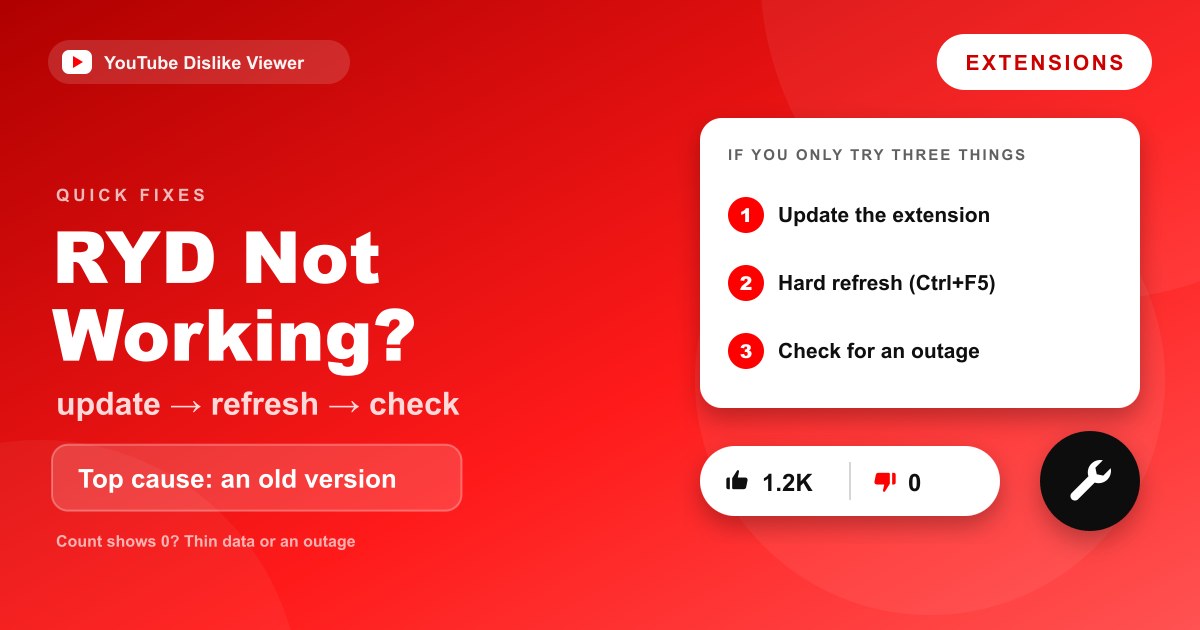
If you only try three things
Short on patience? These three fix the large majority of cases, in this order:
- Update the extension and reload, most breaks are an outdated version after a YouTube change.
- Hard refresh the video page with Ctrl+F5 (Cmd+Shift+R on a Mac).
- Check whether it’s a wider outage before you reinstall, if the count is missing on every video for everyone, only the maintainers can fix it.
If all three come up empty, the cause is almost certainly on the service side, not yours, so stop reinstalling and wait for an update. Meanwhile you’re not stuck without a number: look up any video’s dislikes in your browser, it reads the same archive and doesn’t care whether your extension is broken.
YouTube layouts and the extension both change often; these fixes describe behaviour rather than version numbers so they keep working.